Tuck
Private Photo Vault, from Legendary Software Labs, is one of the longest-running photo vaults on the App Store, with a 4.8-star rating from about a million ratings. It's packed with features. Tuck is newer and does less, with a different priority: no ads, no tracking and encryption you can name.
In short: pick Private Photo Vault for decoy passwords, break-in photos and a big feature list on iPhone. Pick Tuck if you don't want ads or tracking in the app that holds your private photos, or if you use Android.
| Tuck | Private Photo Vault | |
|---|---|---|
| Platforms | iPhone, Android | iPhone, iPad, Mac (Apple silicon), Apple Vision |
| Price (US) | 3-day free trial, then $3.99/week, $7.99/month or $49.99 once | Free with in-app purchases; Premium from $6.99, upgrade $39.99 |
| Ads | None | Yes |
| Data used to track you (App Store label) | None | Usage data |
| Data linked to you (App Store label) | None (purchase history only, not linked to you) | Purchases, photos or videos, user and device IDs, usage data, diagnostics |
| Encryption | XChaCha20-Poly1305, key from your passphrase via Argon2id | Says your password is used to encrypt and decrypt files; algorithm not named |
| Cloud | Encrypted first, to your own iCloud or Google Drive | Cloud Vault, hosted by the developer |
| Unlock | Passphrase, plus Face ID or fingerprint | PIN, password or pattern |
| Decoy password | Not yet | Yes |
| Break-in report | Not yet | Photo and GPS location |
| Notes and documents | Yes | Not listed |
Private Photo Vault facts are from its App Store listing and App Privacy section, checked 19 November 2026.
Ads and tracking in a private vault
Private Photo Vault's App Store privacy label lists "Advertising" and says usage data is used to track you across other companies' apps and websites. Its "data linked to you" includes user content (photos or videos), identifiers and diagnostics.
Tuck has no ads and no tracking. The only data in its privacy label is purchase history, used to check your subscription and not linked to you.
Encryption you can check
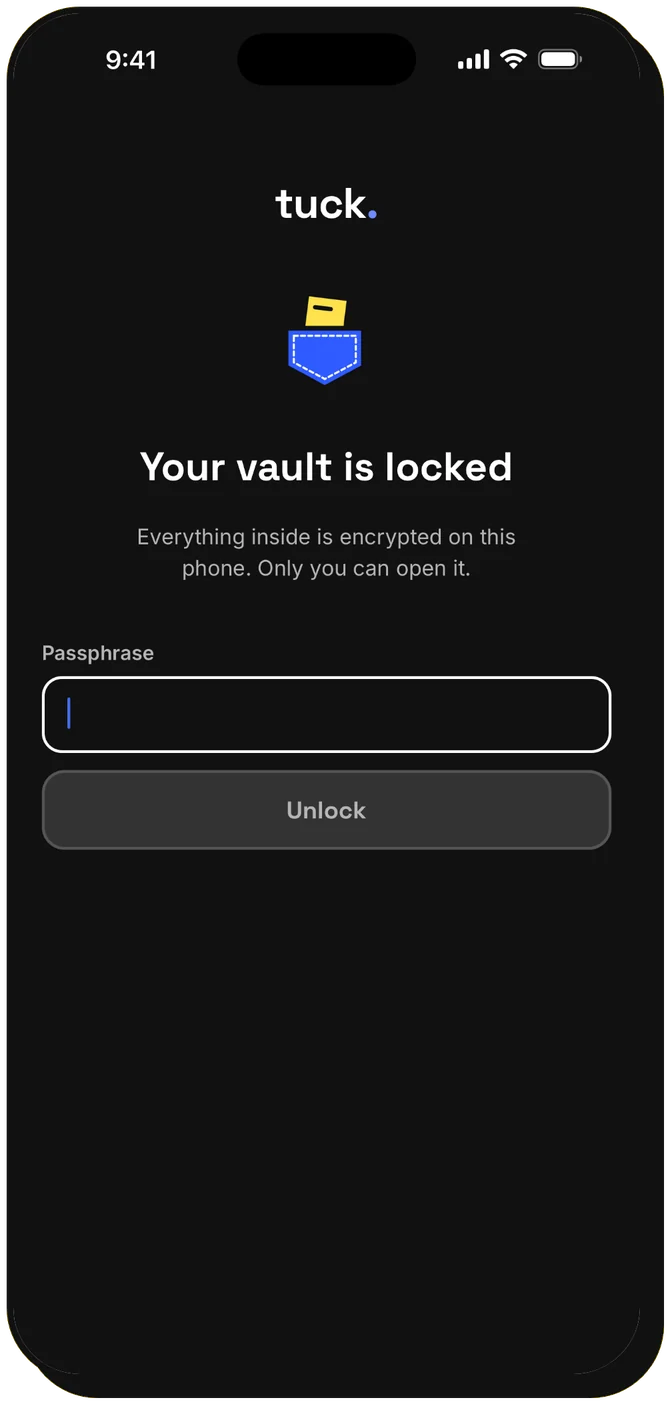
Tuck names exactly how your files are protected: a key derived from your passphrase with Argon2id, and XChaCha20-Poly1305 for every photo, video, note and document. Backups are encrypted on the phone before they go to your own iCloud or Google Drive. There's no Tuck server.
Private Photo Vault says your password is the secret used to encrypt and decrypt files, without naming an algorithm. Its Cloud Vault stores files with the developer.
Where Private Photo Vault is ahead
- Decoy password and break-in reports. Tuck's decoy vault is on its way; break-in photos are planned.
- More Apple devices. It runs on iPad, Mac and Apple Vision. Tuck is phone-only for now.
- Track record. About a million App Store ratings.
Switching from Private Photo Vault to Tuck
- In Private Photo Vault, export the photos you want to keep to your Photos library.
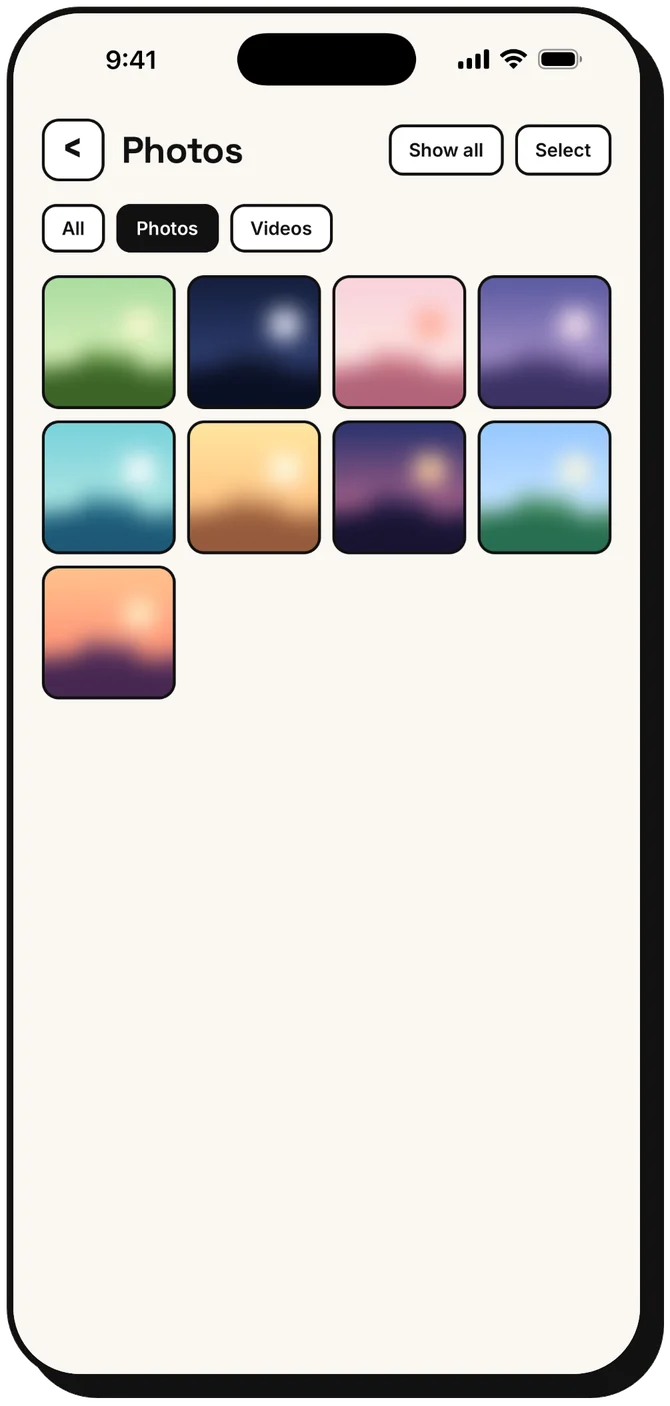
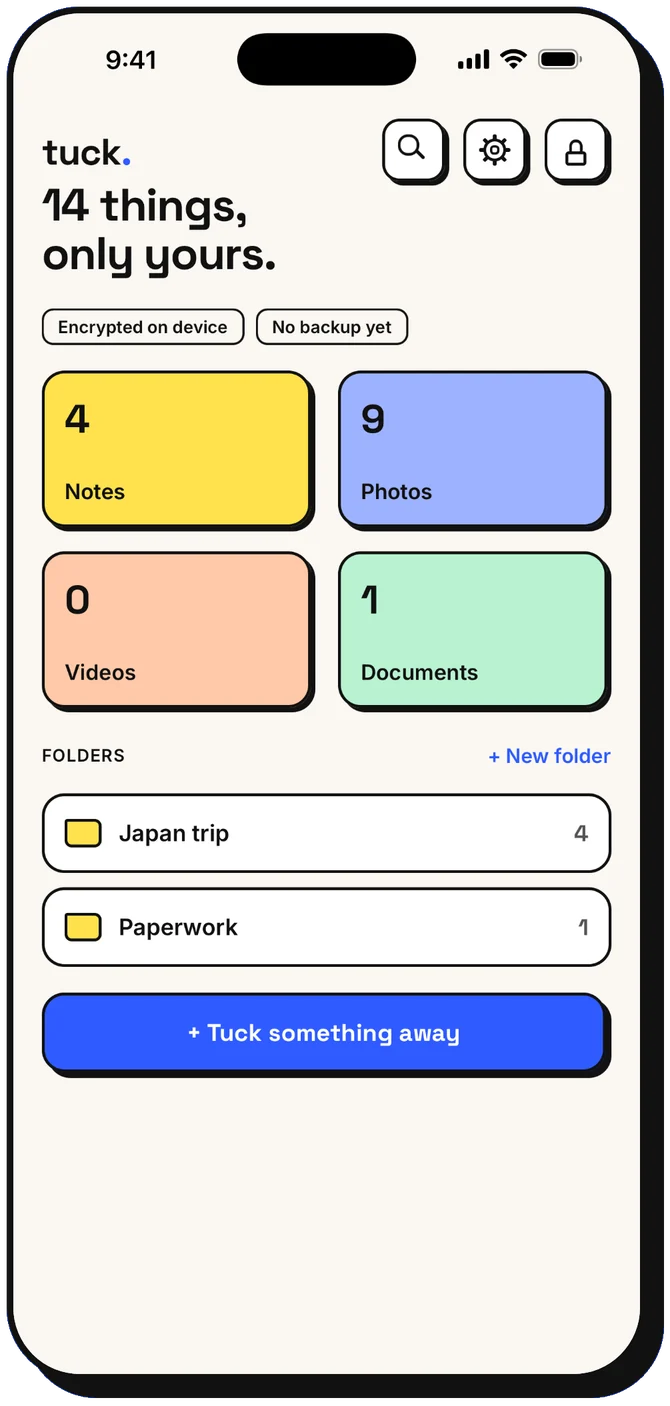
- Install Tuck, create your vault, and tap Tuck something away.
- Select the photos and let Tuck remove them from your library, then empty Recently Deleted.
- Turn on Tuck backup before you delete the old app.
FAQ
Does Private Photo Vault have ads?
Yes. Its App Store listing includes advertising, and its privacy label says usage data is used to track you.
Is Tuck a good Private Photo Vault alternative?
If you want no ads, no tracking, named encryption and Android support, yes. If you need a decoy password or iPad app today, Private Photo Vault has them and Tuck doesn't yet.
Can Tuck import from Private Photo Vault directly?
No. Export your photos from Private Photo Vault to your library first, then tuck them into Tuck.