Tuck
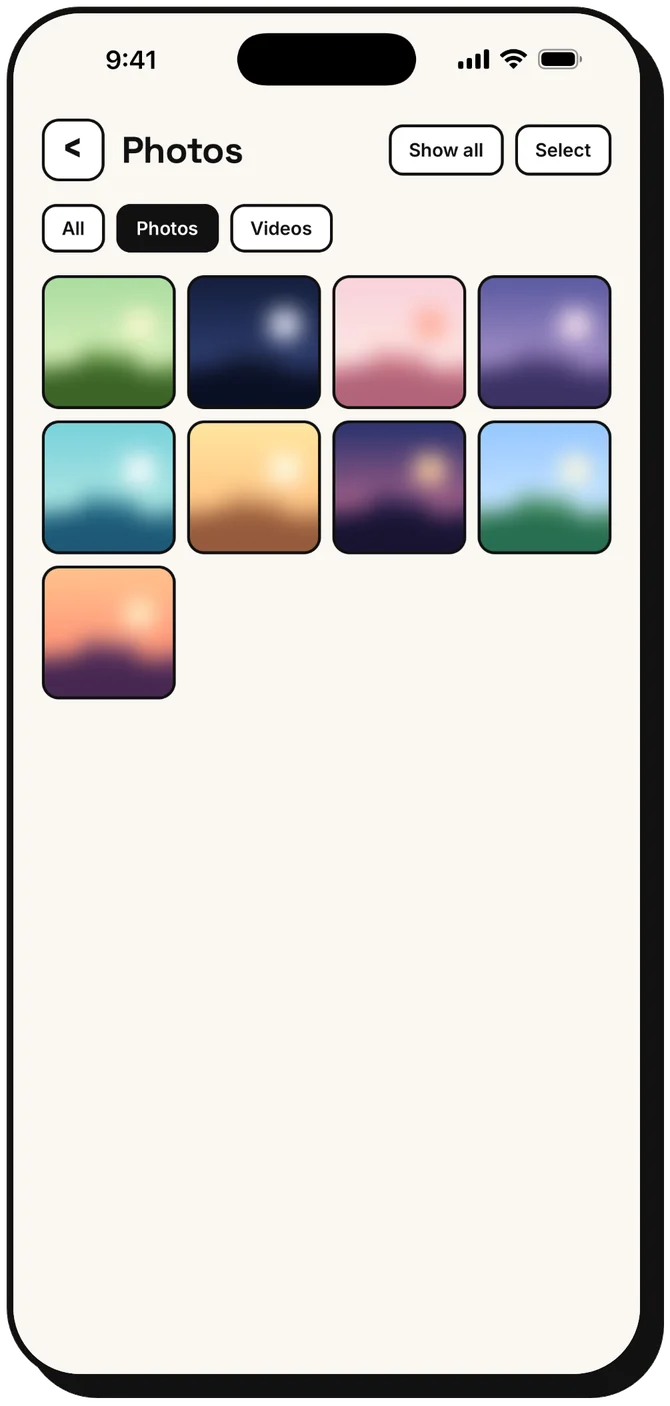
Every iPhone has a Hidden album, and since iOS 16 it's locked by default. For keeping a photo off your main library, it's free and it works. The question is who you're keeping it from.
In short: the Hidden album stops someone scrolling your library. It doesn't stop anyone who knows your passcode. A vault app with its own passphrase does.
| iPhone Hidden album | Tuck | |
|---|---|---|
| Price | Free, built in | 3-day free trial, then $3.99/week, $7.99/month or $49.99 once |
| Lock | Face ID, Touch ID or your iPhone passcode | Its own passphrase, plus Face ID |
| Someone who knows your passcode | Can open it | Can't, without your passphrase |
| Encryption in iCloud | Apple's standard protection; end-to-end only with Advanced Data Protection | Encrypted on your phone before upload, always |
| Holds | Photos and videos | Photos, videos, notes, documents |
| Syncs to | All your Apple devices with iCloud Photos | Backup to your own iCloud, restore with your passphrase |
| Can hide the album | Yes, in Settings | App icon can look like Calculator or Weather |
| Works on Android | No | Yes |
Apple facts are from Apple's privacy page and iCloud data security overview, checked 17 November 2026.
What the Hidden album does well
Hidden photos don't appear in your library, in Memories, or in the photo picker other apps see. The album is locked with Face ID, Touch ID or your passcode, and you can turn it off entirely under Settings > Apps > Photos > Show Hidden Album. For a surprise gift photo or screenshots you'd rather not have pop up, that's all you need.
Where it falls short
- Your passcode opens it. Partners, kids and anyone who's seen you unlock your phone can get in.
- It follows iCloud Photos. Hidden photos sync to every device signed in to your Apple Account, including a shared iPad.
- Cloud encryption depends on a setting most people haven't turned on. iCloud Photos is end-to-end encrypted only with Advanced Data Protection.
- Photos only. Passports, contracts and private notes end up elsewhere.
When a vault app makes sense
If the people you want privacy from could know your passcode, or you want private photos, notes and documents in one place with encryption you don't have to configure, use a vault with its own passphrase.
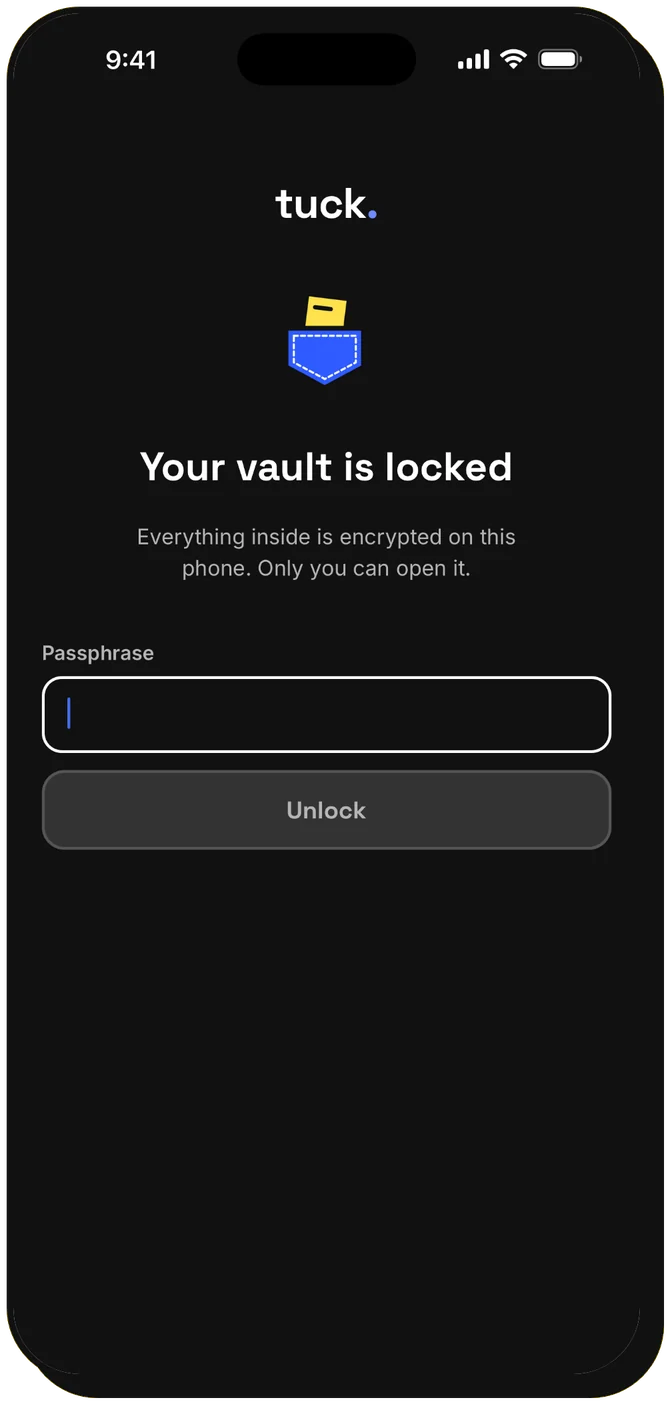
Tuck encrypts every file on your iPhone with a key made from your passphrase (Argon2id and XChaCha20-Poly1305). Face ID makes opening it quick, but your passcode alone won't open it. Backups are encrypted before they go to your own iCloud.
Moving photos from the Hidden album to Tuck
- In Photos, open the Hidden album, select the photos, tap ... and choose Unhide.
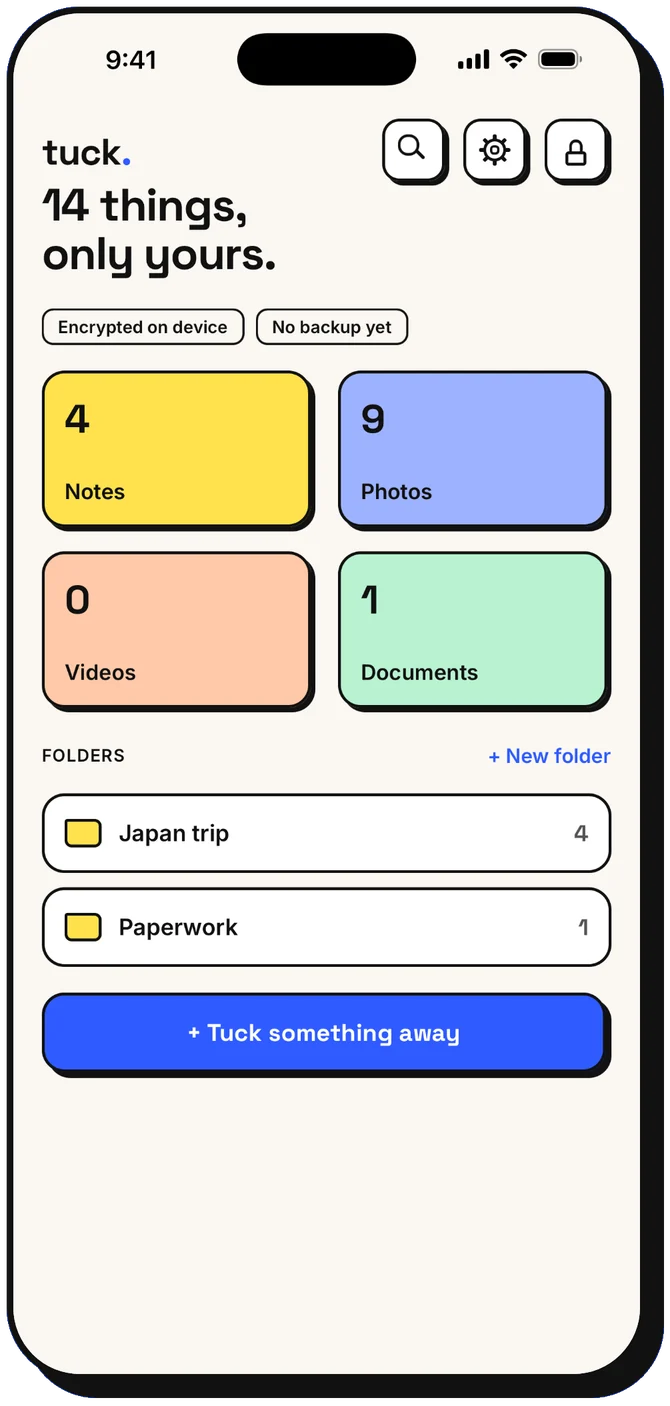
- Open Tuck, tap Tuck something away and select them.
- Let Tuck remove the originals from your library when it asks, then empty Recently Deleted.
FAQ
Can someone see my Hidden album?
Anyone who can unlock your iPhone with Face ID, Touch ID or your passcode can open it, and it appears on other devices signed in to your Apple Account if iCloud Photos is on.
Is the Hidden album encrypted?
Photos on your iPhone are protected by its device encryption. In iCloud, they're end-to-end encrypted only if you've turned on Advanced Data Protection.
What's the best alternative to the iPhone Hidden album?
A vault app with its own passphrase that encrypts on the phone and needs no account. That's how Tuck works, and it's on Android too if you ever switch.