Tuck
Hide It Pro is an Android classic with more than 50 million downloads and a 4.5-star rating. It hides your photos behind a fake "Audio Manager" app and it's free. Tuck costs money after a 3-day trial. What you get for it is no ads, named encryption and nothing shared with third parties.
In short: pick Hide It Pro if you want a free, well-disguised hiding app and don't mind ads. Pick Tuck if you want your photos actually encrypted with your own key, no ads, and an app that also works on iPhone.
| Tuck | Hide It Pro | |
|---|---|---|
| Platforms | Android, iPhone | Android, plus an iPhone app |
| Price (US) | 3-day free trial, then $3.99/week, $7.99/month or $49.99 once | Free |
| Ads | None | Yes |
| Disguise | Calculator or Weather icon | Looks like an "Audio Manager" (other disguises too) |
| Encryption | XChaCha20-Poly1305, key from your passphrase via Argon2id | "Built in encryption tool"; algorithm not named |
| Google Play Data safety | Purchase history only | May share location and device IDs with third parties; says "Data isn't encrypted" |
| Backup | Encrypted first, to your own Google Drive or iCloud | "Free cloud backup"; destination not stated |
| Unlock | Passphrase, plus fingerprint | PIN, password, pattern or fingerprint |
| Notes and documents | Yes | Hides notes, music and apps |
| Panic option | Not yet | "Escape" PIN for when you get caught |
Hide It Pro facts are from its Google Play listing and Data safety section, checked 19 November 2026.
A disguise isn't encryption
Hide It Pro's biggest strength is that it doesn't look like a vault: you open what seems to be an audio manager. That stops a casual snoop. It doesn't tell you how well the files are protected once someone gets past it, and its listing doesn't name an encryption method.
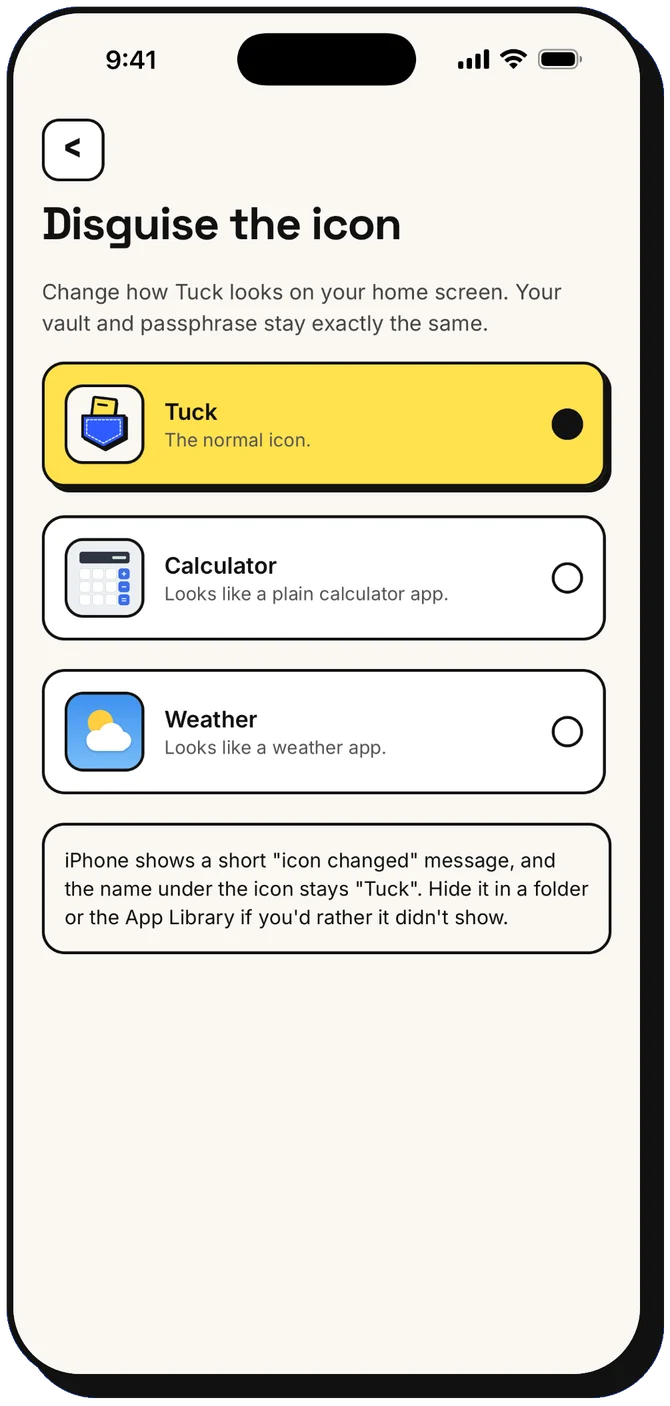
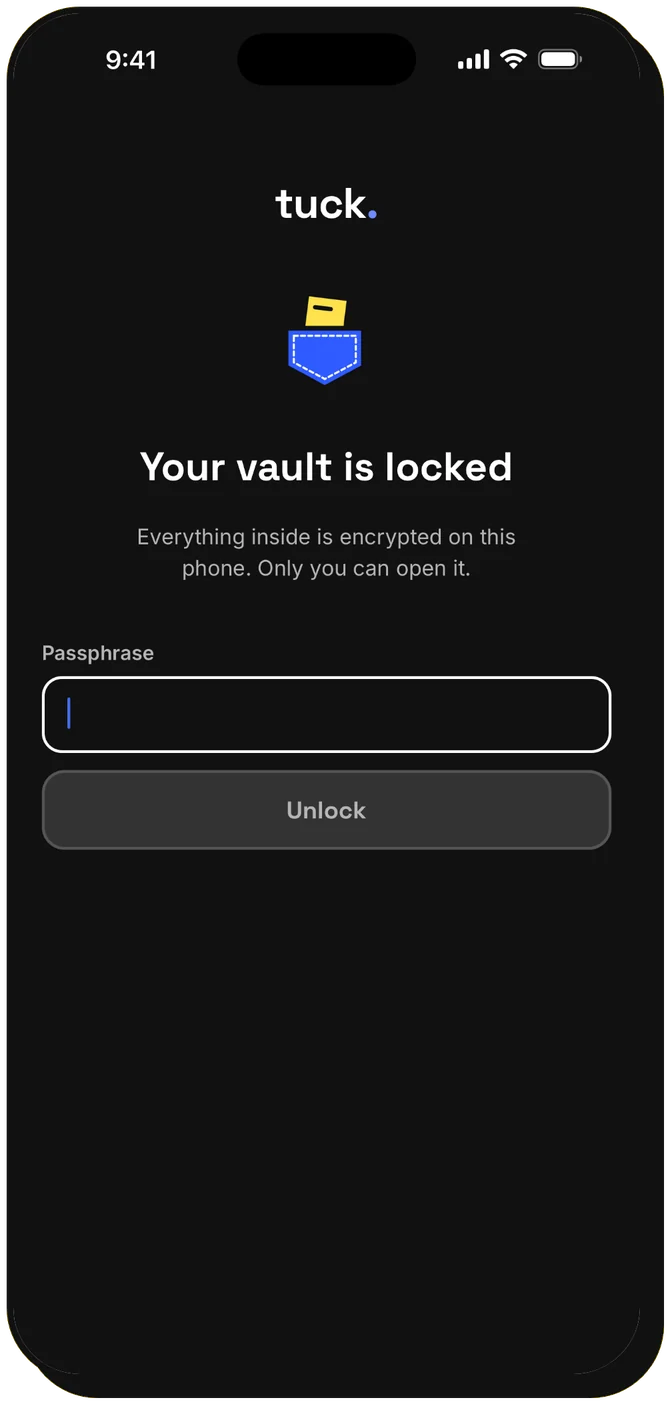
Tuck's disguise is simpler, a Calculator or Weather icon. Behind it, every file is encrypted on your phone with a key made from your passphrase, so a copy of the phone's storage is unreadable without it.
Ads and data sharing
Hide It Pro is free and pays for itself with ads. Its Data safety section says it may share location and device IDs with third parties.
Tuck has no ads and shares nothing. The only data it collects is purchase history, to check your subscription.
Where Hide It Pro is ahead
- It's free. Tuck has a 3-day trial; a free tier is coming in the next update.
- A more convincing disguise, with an app that pretends to be something else when opened.
- An escape PIN for when someone's watching. Tuck's panic options are on the way.
FAQ
Is Hide It Pro safe?
It hides files well, but it shows ads, its listing doesn't name its encryption, and its Data safety section says it may share location and device IDs. Check it against our vault safety checklist.
Is there a Hide It Pro alternative without ads?
Tuck has no ads and no third-party sharing. It's paid after a 3-day free trial.
Can Tuck hide its icon like Hide It Pro?
Tuck can swap its icon for a plain Calculator or Weather icon. It doesn't pretend to be a working audio app.