Tuck
Calculator vault apps look and work like a calculator. Type the right code and the "=" key opens a hidden gallery instead. It's a clever disguise, and there are dozens of them on Google Play and the App Store.
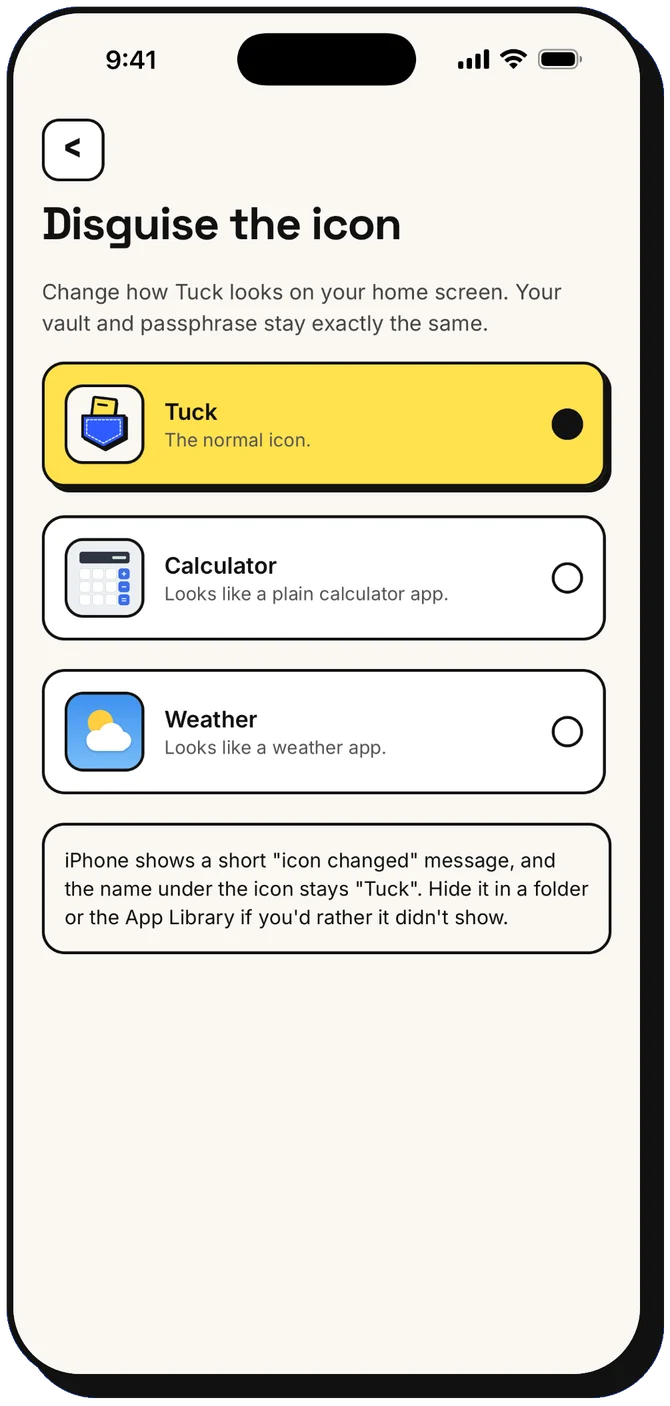
Tuck takes a different route to the same goal: it can swap its icon for a plain Calculator or Weather icon, so it blends into your home screen, and what's behind the icon is properly encrypted.
In short: the disguise is similar. The difference is what protects the photos once someone gets past it.
| Tuck | CalculatorVault (com.thinkyeah.calculatorvault) | |
|---|---|---|
| Developer | Tuck | GalleryVault Developer Team |
| Platforms | iPhone, Android | Android |
| Disguise | Calculator or Weather icon | A working calculator that opens the vault |
| Ads | None | Yes |
| Encryption | XChaCha20-Poly1305, key from your passphrase via Argon2id | Says it hides and encrypts; method not published |
| Data collected (store label) | Purchase history only | Lists location and personal info |
| Account | None | Not stated |
| Backup | Encrypted first, to your own Google Drive or iCloud | Not stated |
| Extras | Notes, documents, scanning, folders, search | Fake password, break-in alerts, private browser |
| Price (US) | 3-day free trial, then $3.99/week, $7.99/month or $49.99 once | Free with in-app purchases |
CalculatorVault facts are from its Google Play page, checked 17 November 2026. We picked it as a typical example; other calculator vaults vary.
The disguise is only the first layer
A fake calculator stops someone glancing at your home screen. It doesn't stop someone who knows (or guesses) what it is, and many calculator vaults are well known by name. What matters after that is whether the photos are encrypted with a key only you have.
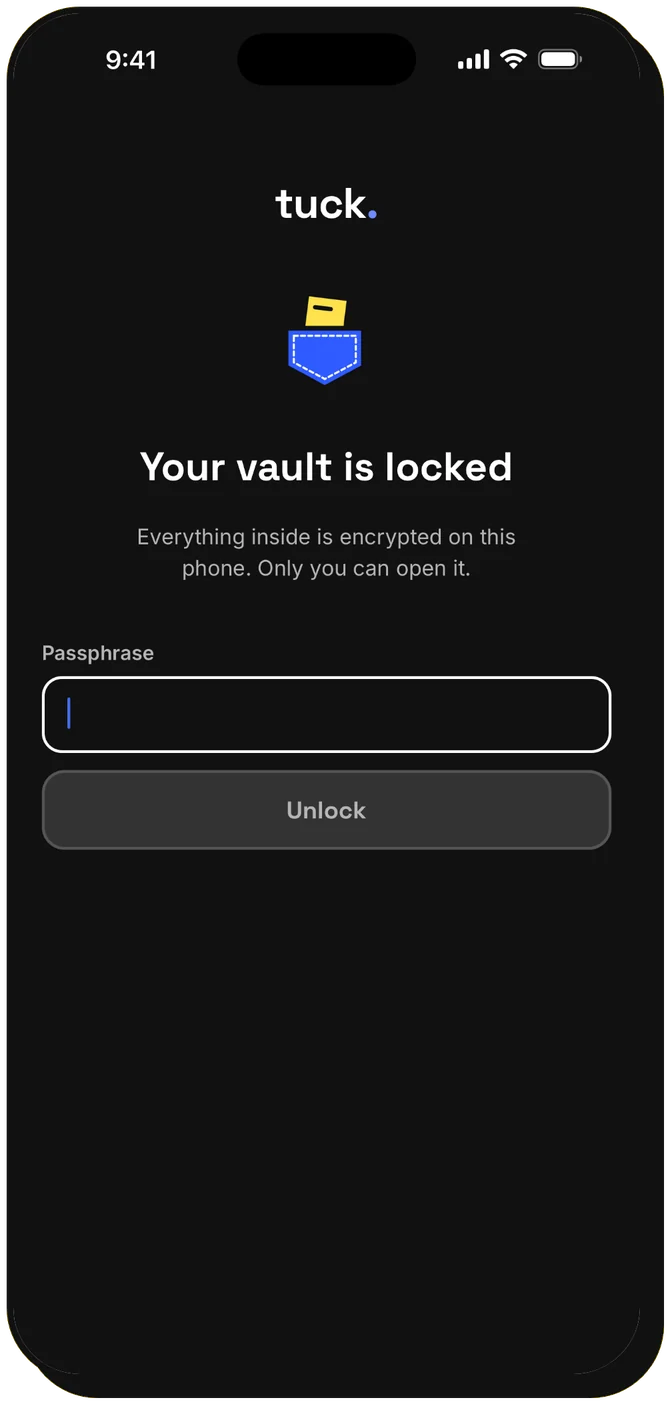
Tuck encrypts every photo, video, note and document on your phone. The key is made from your passphrase with Argon2id, a deliberately slow function that makes guessing expensive. Wrong guesses also make you wait longer each time.
Ads and data next to your private photos
Free calculator vaults usually pay for themselves with ads. That means ad SDKs running inside the app that holds your most private photos. CalculatorVault's Data safety section lists location and personal info as collected.
Tuck has no ads. Its only collected data is purchase history, used to check whether your subscription is active.
Where calculator vaults are ahead
- A working calculator as the front. Tuck changes its icon, but opening it shows Tuck's lock screen, not a calculator.
- Free to start. Calculator vaults are free with ads. Tuck has a 3-day trial, with a free tier coming in the next update.
- Fake password and break-in alerts. Similar features are on Tuck's roadmap.
FAQ
Are calculator vault apps safe?
Some encrypt files, some only hide them, and many show ads. Check whether the app names its encryption and what its privacy label says it collects. Our vault safety checklist walks through it.
Can Tuck look like a calculator?
Yes. In Settings you can change Tuck's home screen icon to a plain Calculator or Weather icon.
What happens if I forget my calculator vault code?
That depends on the app. With Tuck, if you forget your passphrase, your 24-word recovery key lets you set a new one. Nobody else can reset it.