Tuck
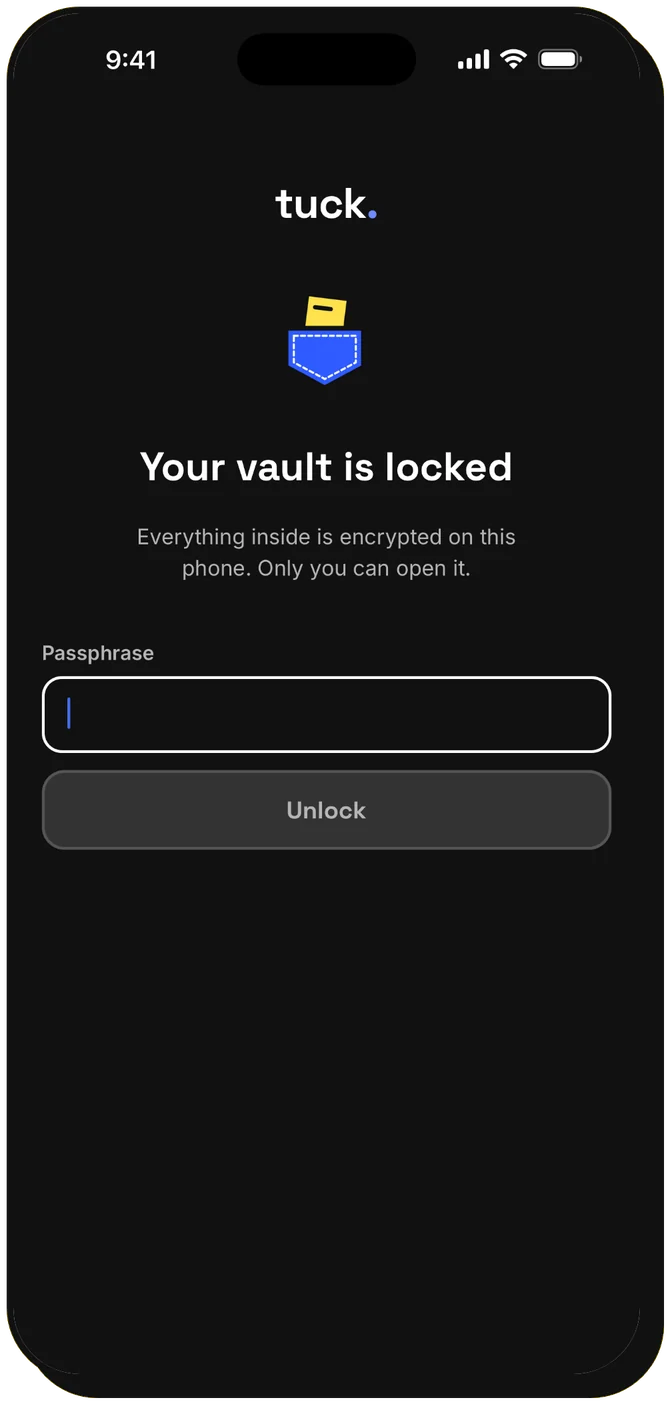
It's a horrible feeling: the photos you most wanted to keep safe are now safe from you too. What you can do depends on how the app protects them.
First, try the obvious
- Biometrics. If you set up Face ID or fingerprint unlock, try it. Many apps still accept it even if you've forgotten the password.
- Old passwords and variations. Most people reuse a pattern. Go slowly: many apps make you wait longer after each wrong guess.
- The app's recovery option. Look on the lock screen for "Forgot password?" or similar.
If the app can reset it by email
Some vault apps let you reset the password with an email link or by contacting support. That's convenient, and it also tells you something: the company can get your data back without your password. That means your photos aren't encrypted with a key only you have. Once you're back in, read our vault safety checklist.
If the app truly encrypts with your password
Then nobody, including the company, can reset it. There's no master key and no back door. Your options are:
- A recovery key, if the app gave you one when you set it up. Look in your password manager, notes, or wherever you'd keep something important on paper.
- A backup from before, if you remember the password you used then.
- Otherwise, the data is gone. That's the trade-off that makes it private.
How Tuck handles a forgotten passphrase
When you create a Tuck vault, you get a 24-word recovery key. If you forget your passphrase:
- On Tuck's lock screen, tap Forgot your passphrase?
- Enter the 24 words.
- Set a new passphrase.
If you lose both your passphrase and your recovery key, nobody can open the vault, including us. Tuck has no servers and never sees either one.
How to never be locked out
- Write the recovery key on paper and keep it somewhere safe, or store it in a password manager.
- Use a passphrase you'll remember: four or five random words is easier to recall than a short jumble, and stronger.
- Turn on Face ID or fingerprint, so you're not typing it daily and forgetting it.
- Keep backup on, so a lost phone isn't also a lost vault.
FAQ
Can photo vault apps recover my password?
Some can, by email or support, which means they can access your data. Vaults that encrypt with your own password can't; they give you a recovery key instead.
Will deleting and reinstalling the app reset the password?
Usually it deletes the vault and its photos. Don't do it unless you've accepted losing them or have a backup you can open.
I forgot my Tuck passphrase and lost my recovery key. Can support help?
No. We'd like to, but we can't: we never have your passphrase, your recovery key or your files. That's what keeps your vault private.