Tuck
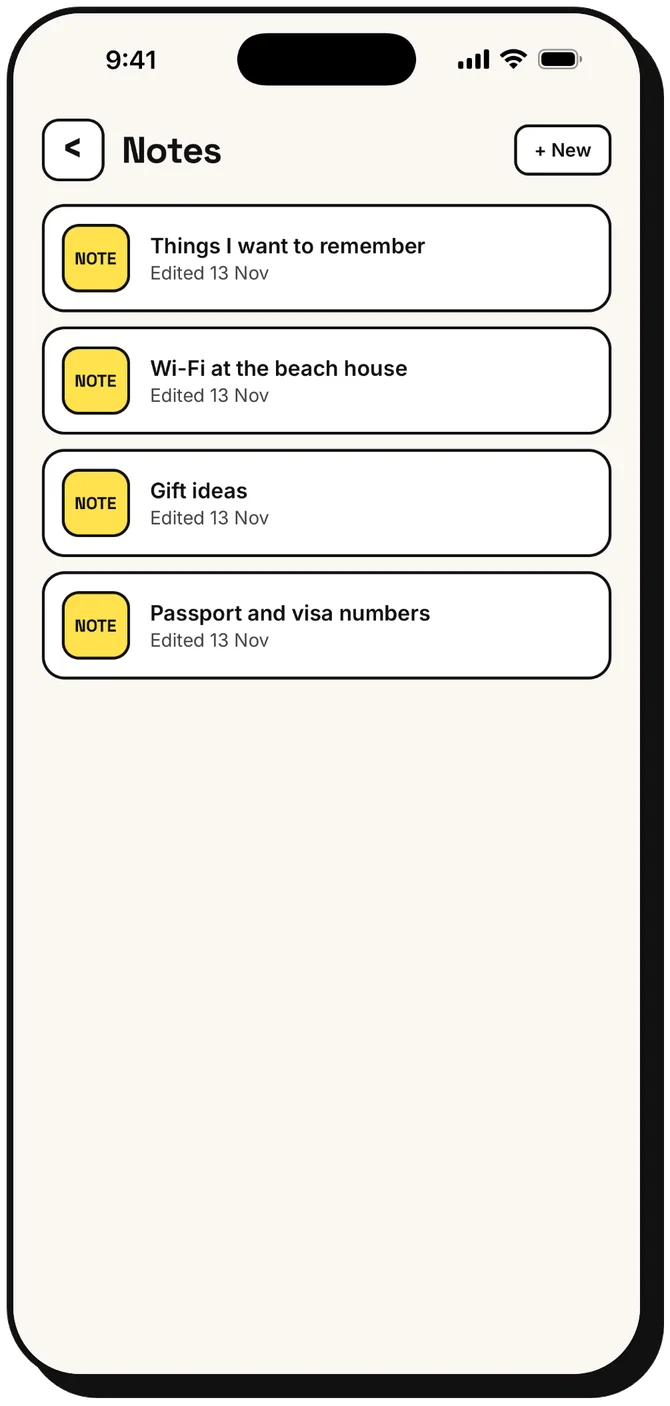
The documents on your phone are often more sensitive than the photos: a passport scan, a driver's licence, a tax return, a signed contract. Left in your camera roll, downloads or email, they're visible to every app with photo or file access and every synced device. Tuck keeps them in one encrypted place.
What you can do
- Scan with the camera straight into the vault, so the scan never lands in your camera roll.
- Import files and PDFs from your phone's files.
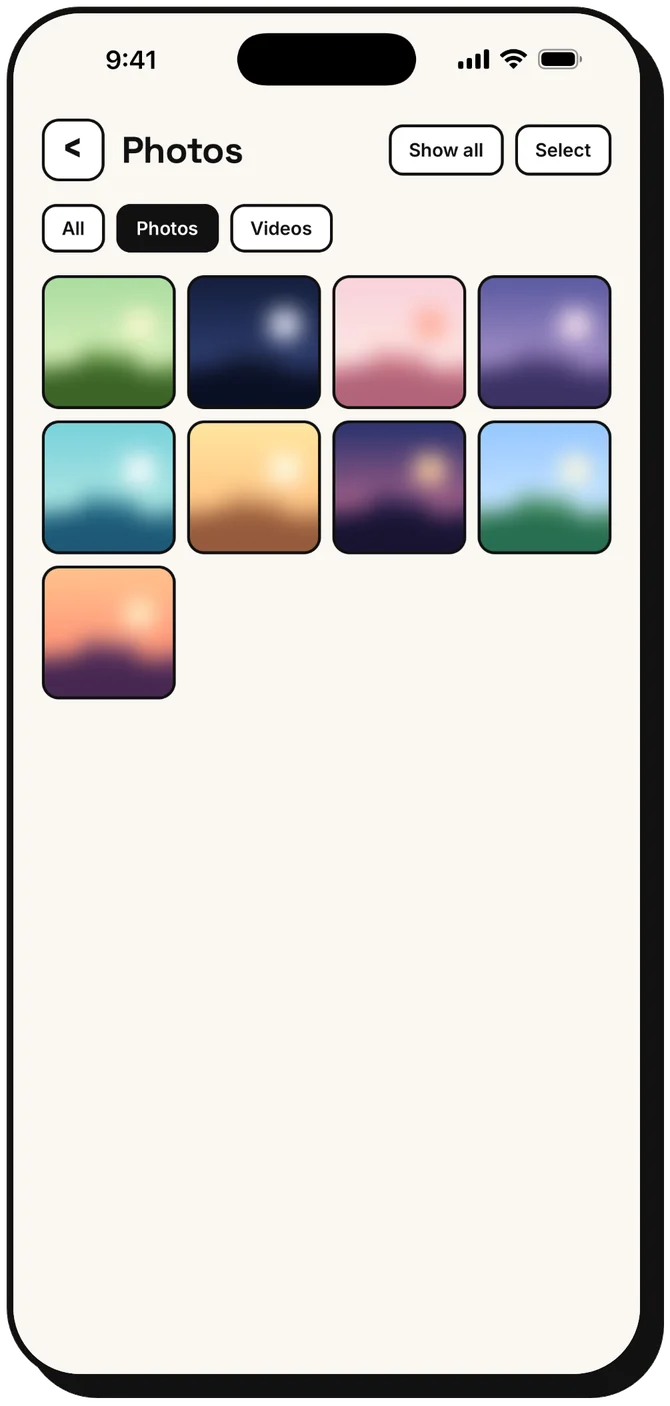
- Pick photos of documents from your gallery and let Tuck remove the originals.
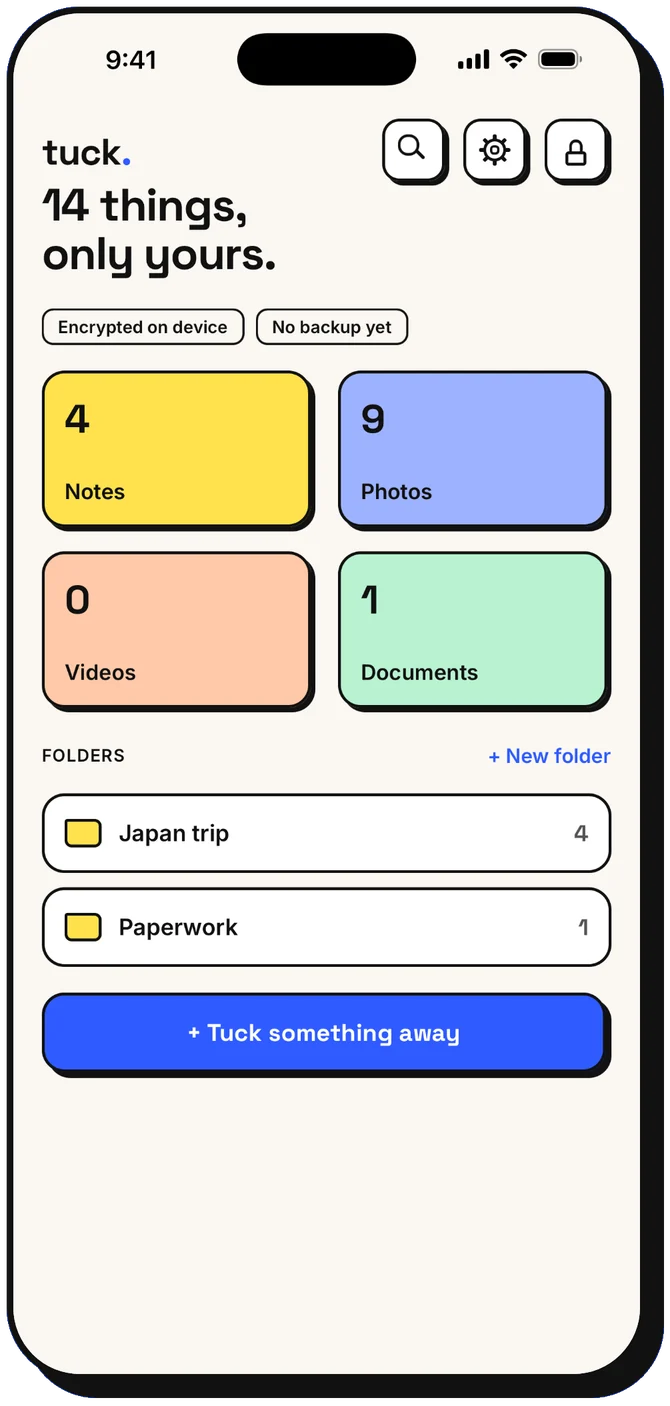
- Sort into folders like "IDs", "Car" or "Paperwork", and search across everything.
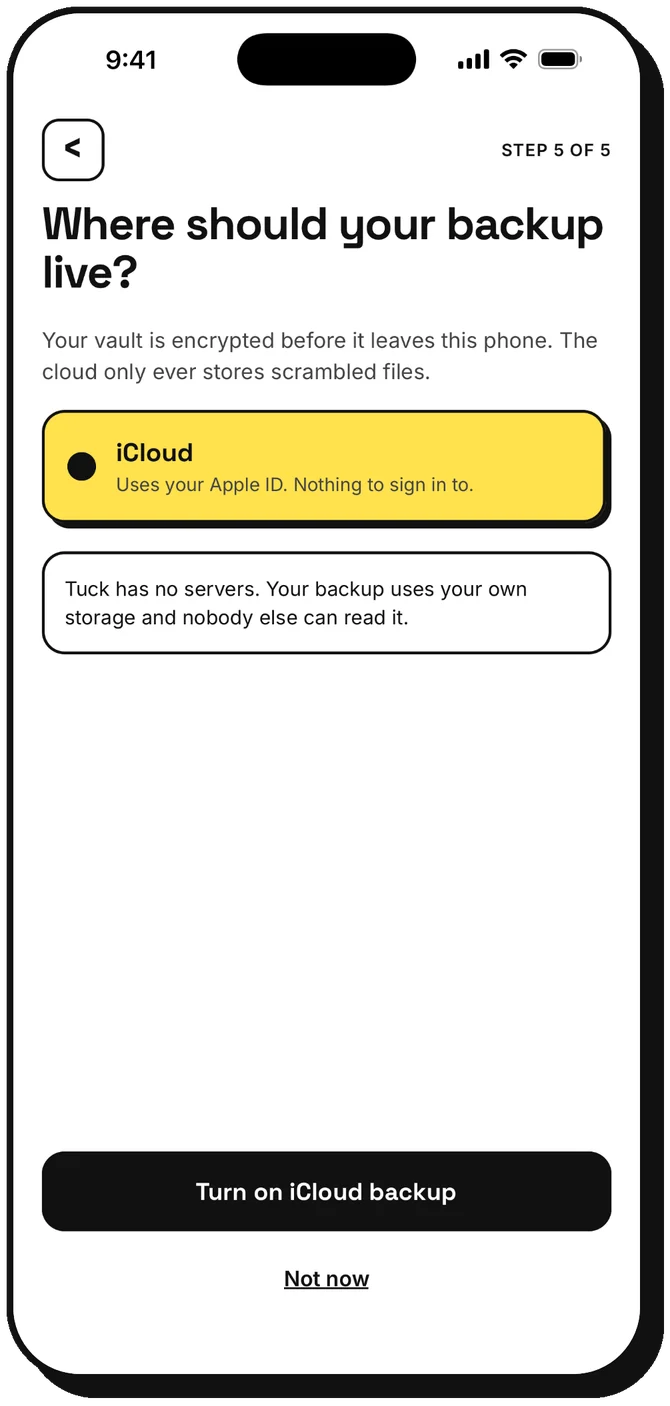
- Back up encrypted to your own iCloud or Google Drive, so a lost phone doesn't mean lost papers.
How it's protected
Every document is encrypted on your phone with XChaCha20-Poly1305, using a key made from your passphrase with Argon2id. Tuck opens with your passphrase or Face ID or fingerprint, locks itself when you leave, and hides its contents in the app switcher. There's no account and no Tuck server.
| Where documents usually live | The risk | In Tuck |
|---|---|---|
| Camera roll | Any app with photo access can see it; it syncs everywhere | Removed from the camera roll, encrypted |
| Email attachments | Sits in your mailbox and the recipient's | One encrypted copy on your phone |
| Downloads folder | Readable by file managers and other apps | Imported, then encrypted |
| Cloud drive | Protected by your account password only | Backed up encrypted with your passphrase |
FAQ
What's the safest place to keep a passport scan on my phone?
Out of your camera roll, in an encrypted vault with its own passphrase. Our guide to storing ID photos safely covers cleaning up the other copies too.
Can Tuck scan documents?
Yes. Use the camera option when you tuck something away and the scan goes straight into the encrypted vault.
Does Tuck work with PDFs?
Yes. Import PDFs and other files, and they're encrypted and kept with your photos and notes.